RDUMesh, Explained Like You're Five
Radio, tall buildings, repeaters, and a community that keeps talking when the internet goes down. No jargon, no assumptions.

RDUMesh, Explained Like You're Five
So you heard about RDUMesh and mesh networking in the Raleigh-Durham-Chapel Hill area, and the FAQ page is great but it's a lot to take in. Let's start from the very beginning and build up slowly. No jargon you don't need.
Part 1: How Does Radio Even Work?
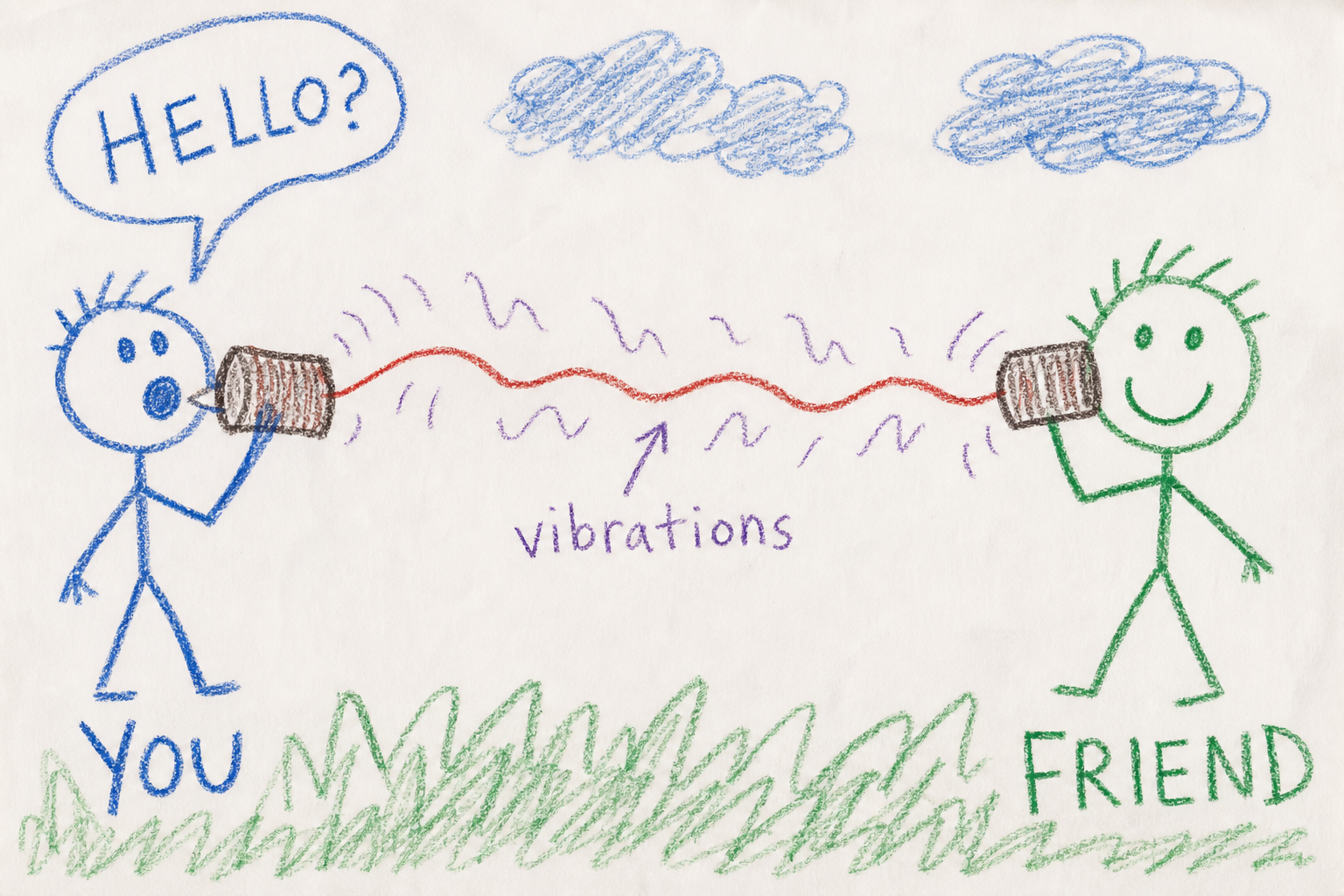
Close your eyes and picture two tin cans connected by a string.
You talk into one can. The vibrations travel down the string. The other person hears you through the other can. That's communication.
A radio works the same way, except instead of a string it uses invisible waves in the air. You type a message on your phone, the radio turns your words into those invisible waves. Another radio catches those waves and turns them back into words.
The catch? The waves can only travel so far before they fade away. If you and your friend are a mile apart, your waves probably won't reach them.
Part 2: The Walkie-Talkie Problem
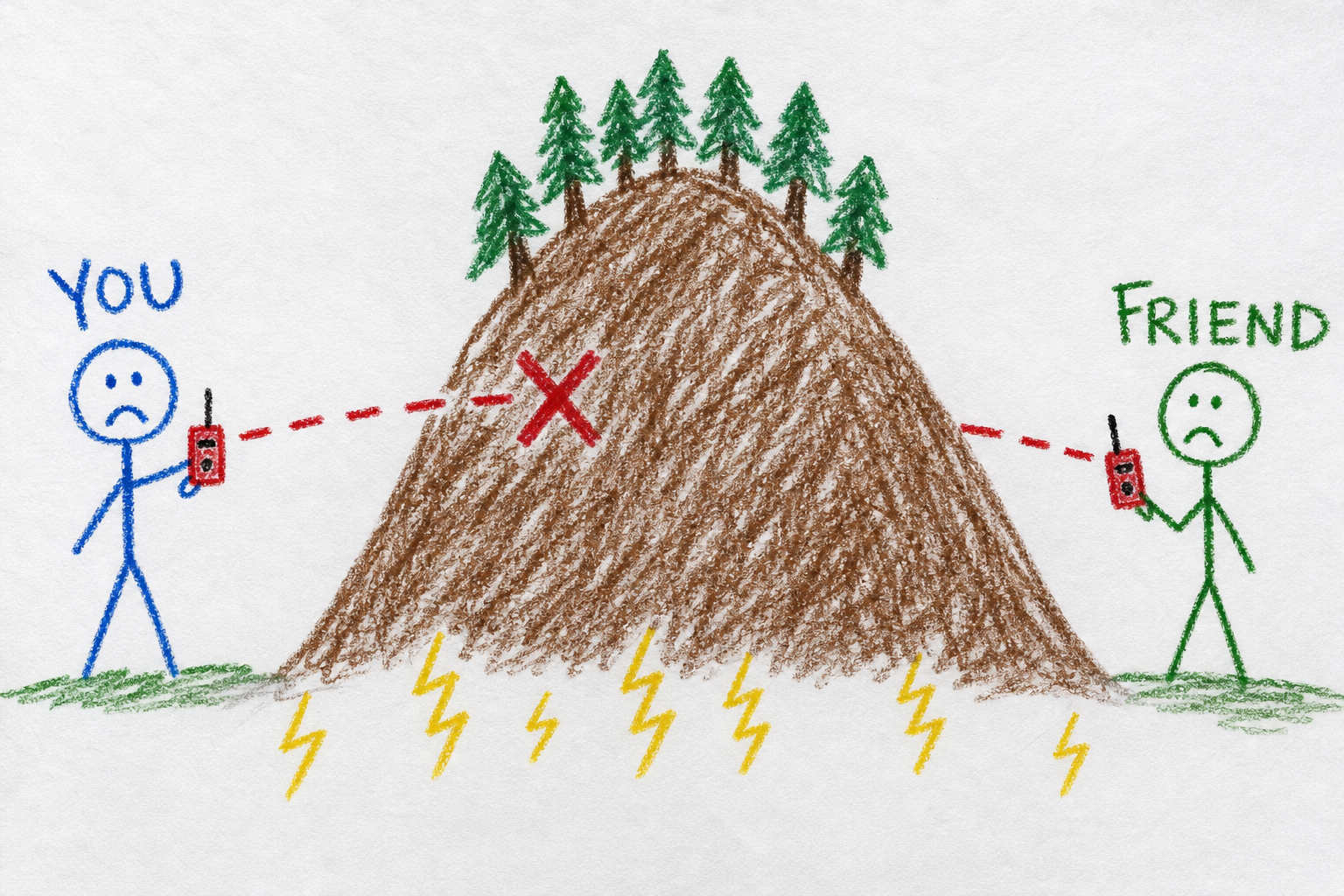
Two handheld radios that talk directly to each other , that's a walkie-talkie. If you and a friend are both in the same park, it works great.
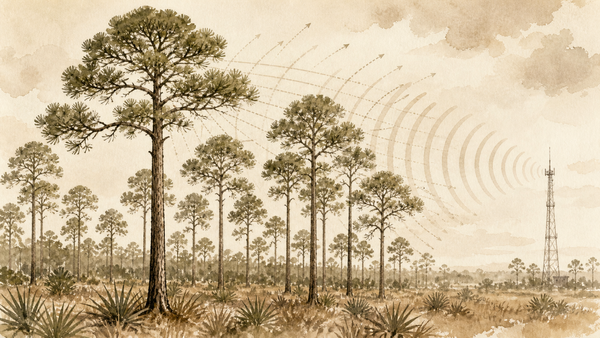
But walkie-talkies have a hard limit on range. The signal goes out in a straight line. Trees, buildings, and hills block it. If one of you goes around a corner, the signal dies.
Now imagine you want to talk across an entire city , from Raleigh to Durham across the Research Triangle. That's 25 miles. A single radio can't do that by itself.
Part 3: What If You Put a Radio on a Tall Building?
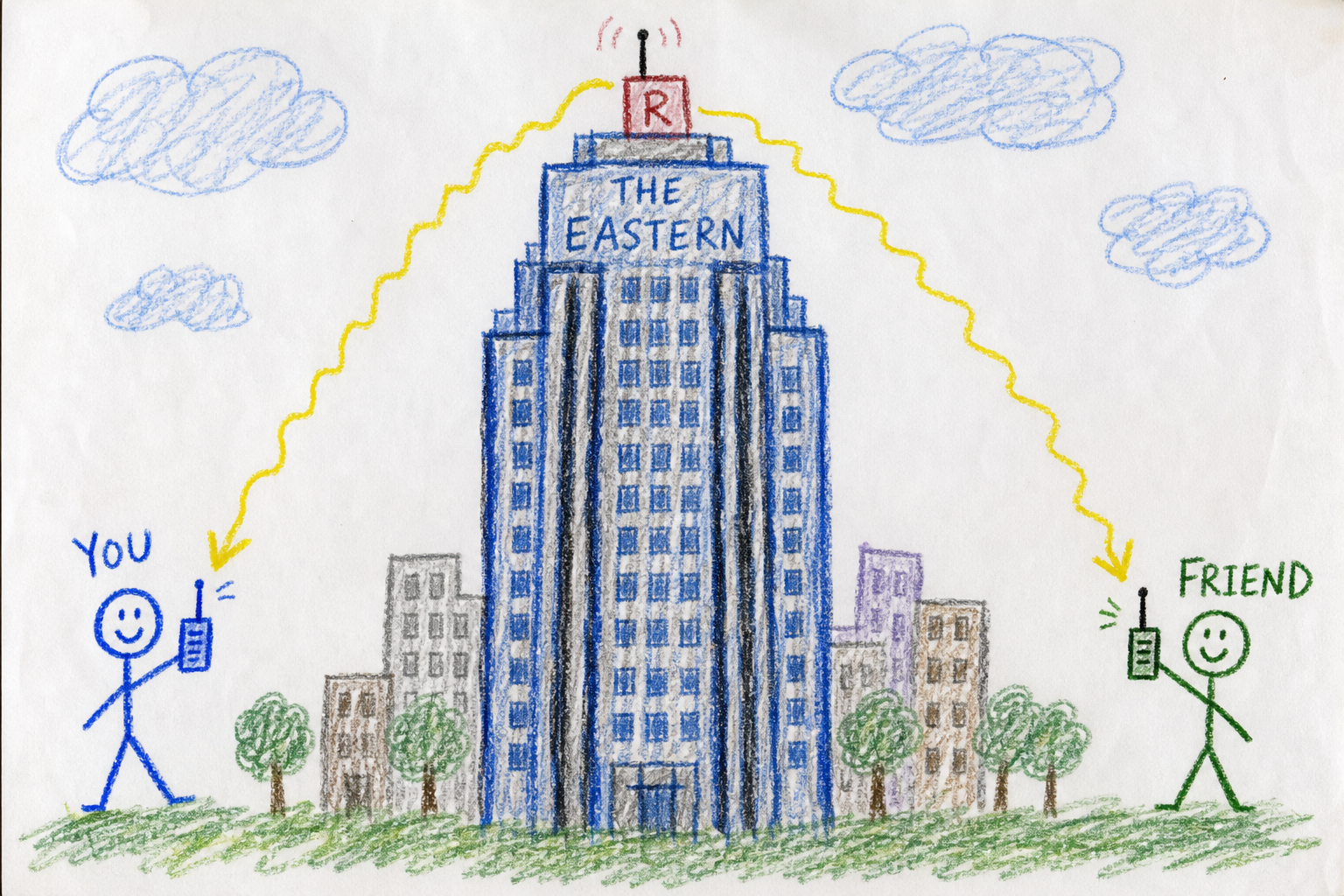
Here's the trick. Instead of two people shouting at each other from ground level, what if you put a third radio way up high on a tall building or a water tower? That radio doesn't have a person using it. It just listens and repeats.
When you send a message from ground level, that high-up radio hears it. Then it shouts the message back out so your friend can hear it, even though they're far away.
This is called a repeater. It repeats messages. That's its whole job.
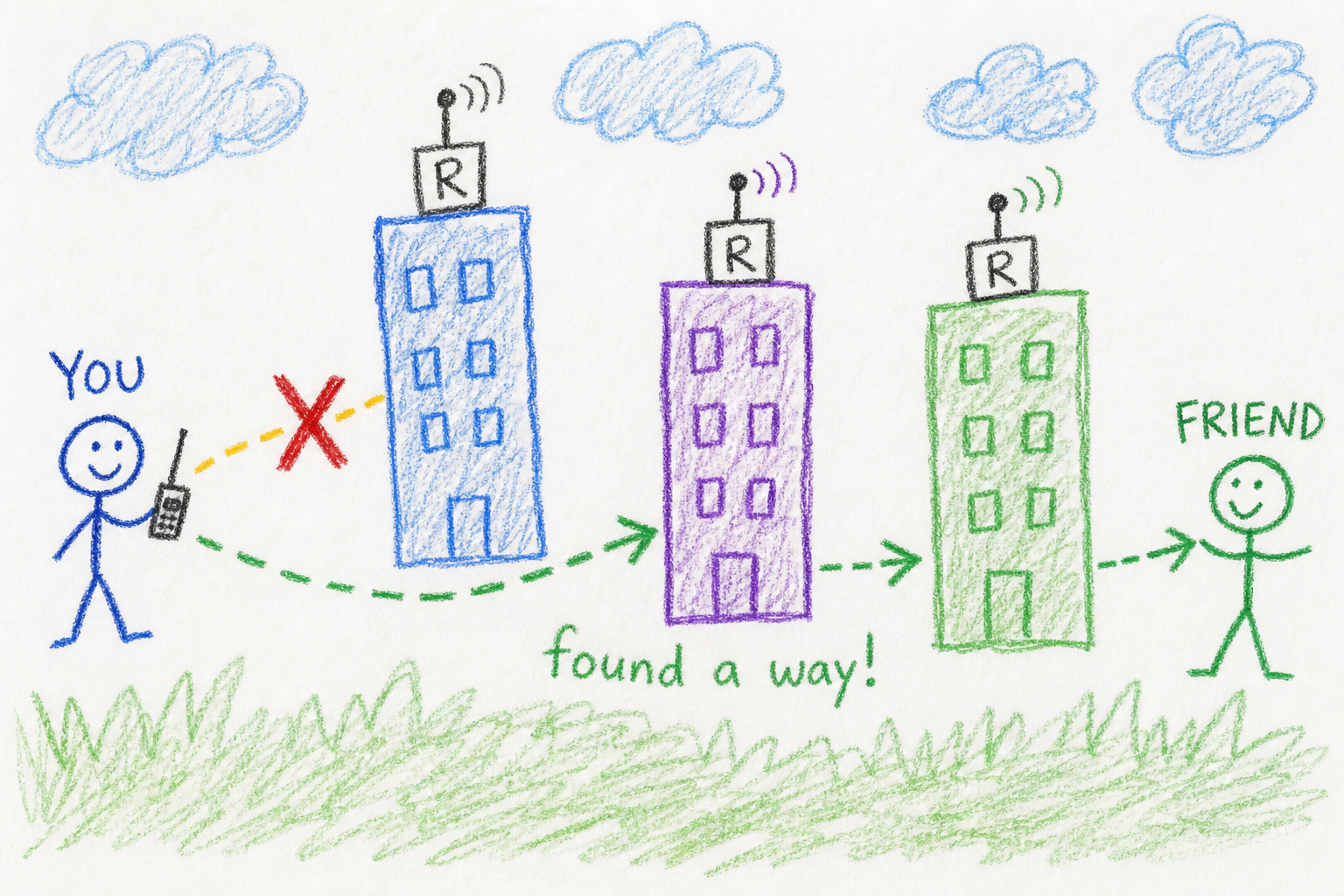
Now put repeaters on a few tall buildings across Raleigh and Durham in the Research Triangle, and suddenly your message can hop from one to the next and travel the whole 25 miles. That's the basic idea.
Part 4: What Makes It a Mesh?
In a walkie-talkie system, there's only one path between two radios. If something blocks that path, you're done.
In a mesh network, you have lots of repeaters all over the city. Your message can take any path to reach its destination. If one path is blocked, the message finds another automatically.
Think of it like a game of telephone, but instead of a single line of kids, every kid repeats what they hear to every other kid nearby. The message spreads through the whole room until everyone has heard it.
MeshCore (the software that powers RDUMesh) is even smarter. It starts by flooding the message to find a path, then remembers the best route. It's like walking through a dark room once to memorize the furniture, then walking through with the lights on from then on.
Part 5: The Special Things About RDUMesh
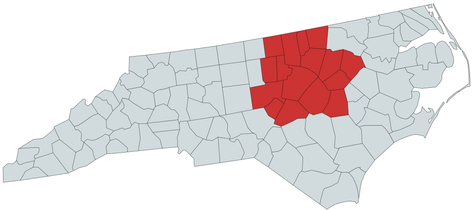
RDUMesh is a specific mesh network covering Raleigh, Durham, and Chapel Hill (the Research Triangle) and 16 surrounding counties in North Carolina. Here's what makes it different:
- Everyone helps. The repeaters are built and maintained by volunteers , your neighbors. They put them on rooftops, at schools, on cell towers.
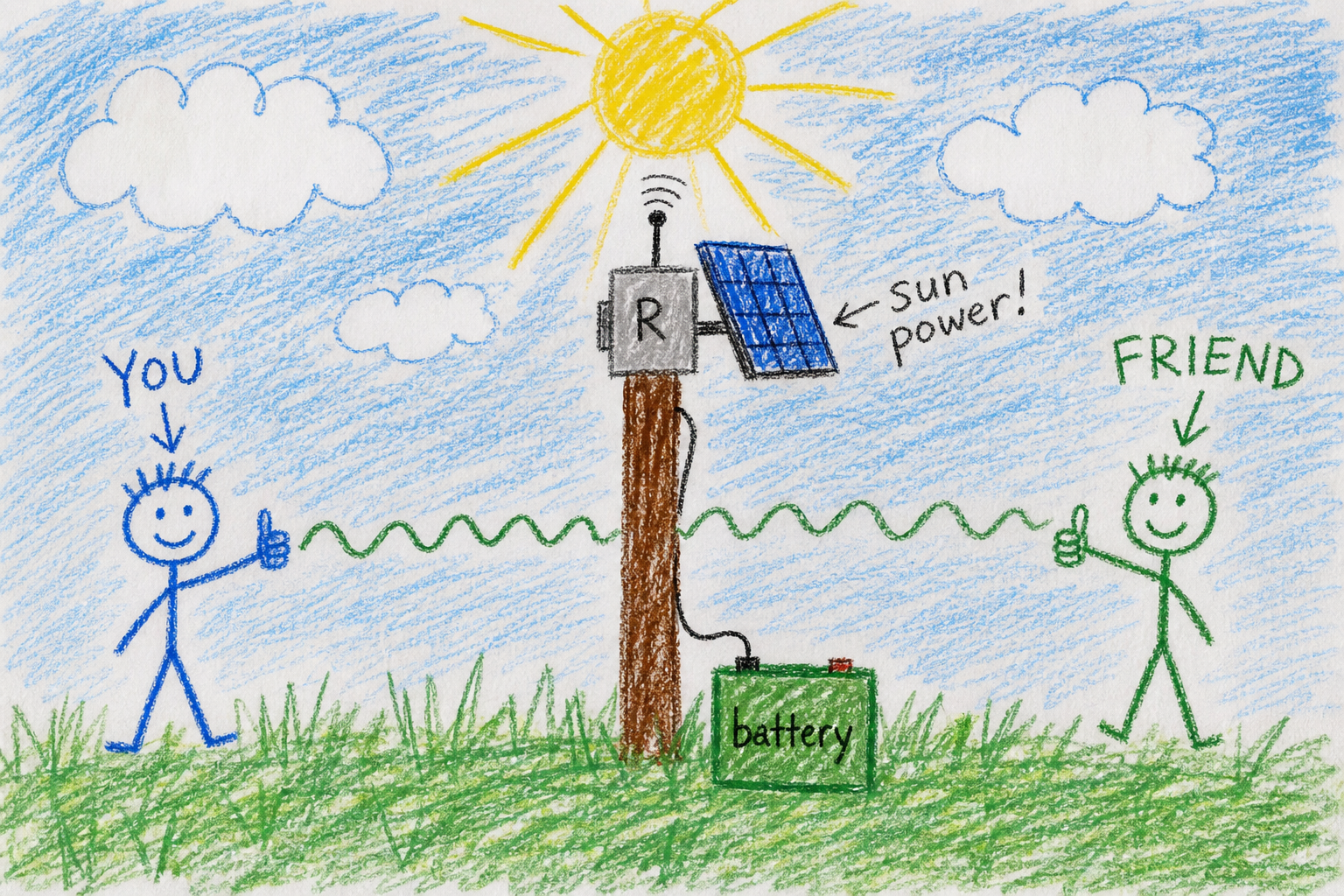
- It runs on solar power. Most repeaters run entirely on a solar panel and battery. No grid power, no internet needed. If the power goes out across the whole city, the mesh keeps working.
- It uses LoRa radios. LoRa uses very little power and can travel long distances, but it can only send text. Think of it as a text-only emergency network that runs for months on a single battery.
- You connect via Bluetooth. Your phone talks to a small radio about the size of a deck of cards via Bluetooth. An app on your phone sends and receives messages.
- It's free and open. Anyone can join. No subscription, no company. The software is open-source , anyone can verify it works the way it's supposed to.
Part 6: What Can You Actually Do With It?
The short answer: send text messages when the internet and cell towers aren't working.
Real situations where RDUMesh matters:
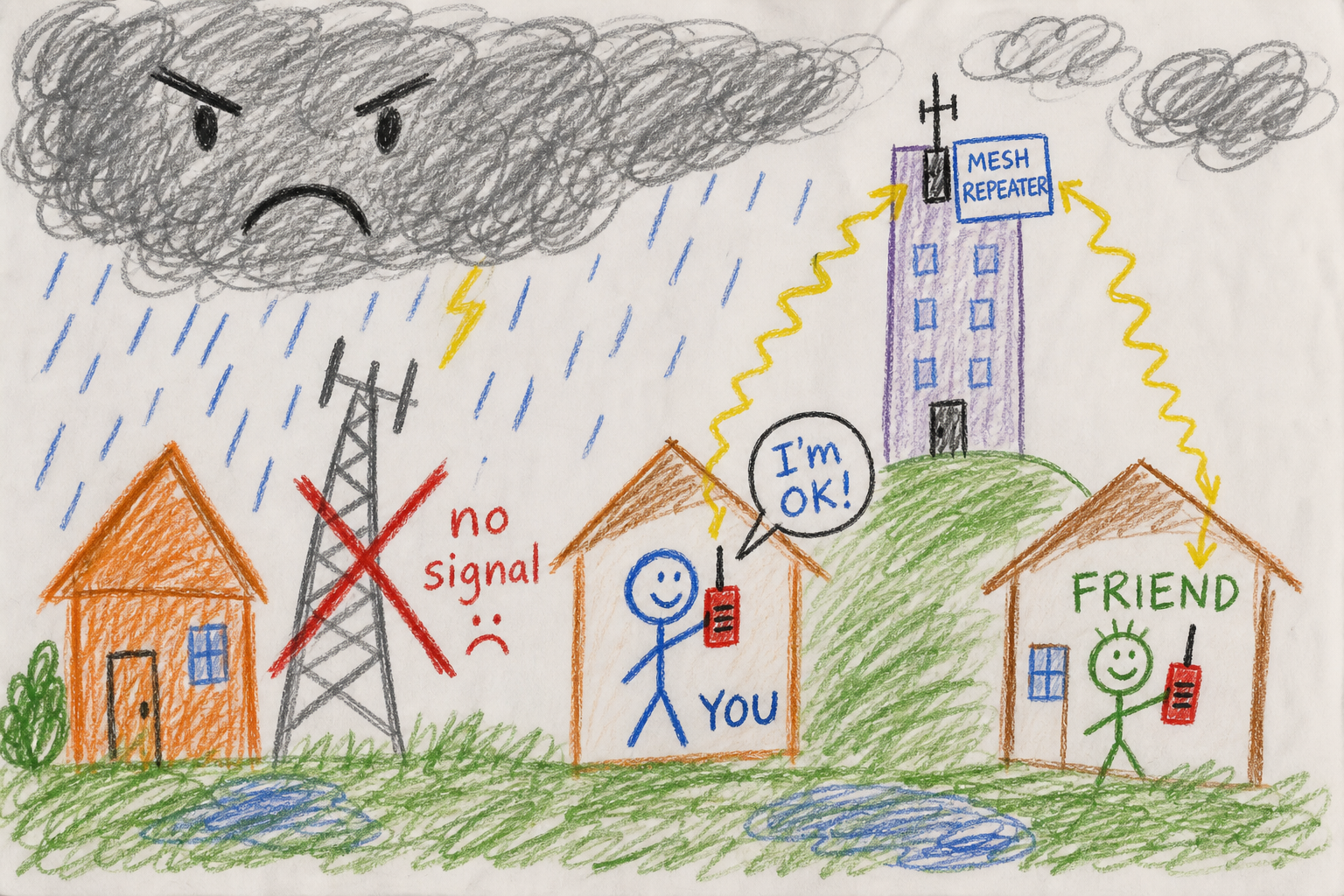
- A hurricane knocks out power and cell service. Your phone shows No Service. But your LoRa radio still works. You can text your neighbor, a friend across town, or a community channel to check if everyone is OK.
- You're hiking where there's no cell coverage. Other hikers with LoRa radios can reach you through a repeater on a nearby peak.
- Your neighborhood is organizing emergency preparedness. RDUMesh gives you a communication channel owned by the community, not by any company.
In daily life, people use it to chat with other radio enthusiasts, test equipment, and help build out the network. The real purpose is resilience: making sure the Triangle can communicate when everything else goes down.
Part 7: How Do You Join?
It's easier than you might think:
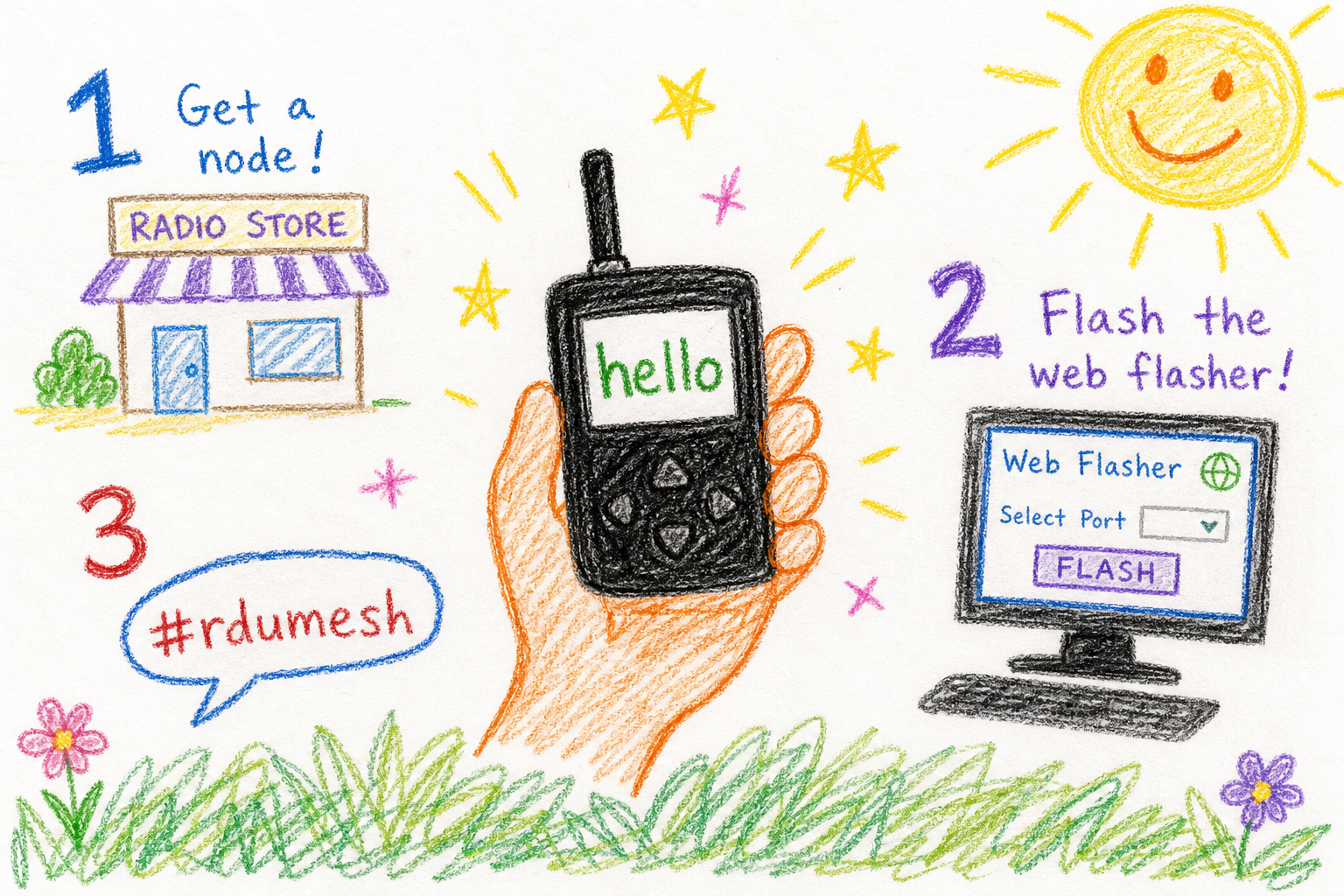
- Get a compatible LoRa device. The Wismesh Tag is a great beginner option, small, USB-C rechargeable, and works out of the box with your phone via Bluetooth.
- Flash the MeshCore firmware. Go to flasher.meshcore.io in a Chrome browser, plug in your device via USB, and click through the web flasher. It takes about 30 seconds.
- Select the "US Default" option in the flasher. It automatically sets the right frequency and radio settings for our region.
- Pair with your phone via Bluetooth (for companion devices) or just start messaging (for standalone devices with a screen and keyboard).
- Say hello on the #rdumesh channel and ask about nearby repeaters.
That's it. You're now part of the mesh.
The best way to understand RDUMesh is to remember that it's not a technology project , it's a neighborhood project. The radios are just tools. What matters is that the people around you can reach each other when the normal ways of communicating stop working.
The FAQ page on this site has much more detail on hardware, antenna selection, and repeater placement. This page is just the starting point , the simplest possible explanation of what we're building and why.